How Employee Matching Works, Step by Step


Jonathan & Amanda
Matched by RandomCoffee

Hi Amanda, nice to e-meet you! Are you available for a coffee?
Jonathan, Country Manager, London
Hello Jonathan!
Amanda, Product Owner, Paris
Sure! I'll plan the meeting on our agenda
📅 Schedule meeting
Good on my side! Can't wait to meet you!
1
You launch a program
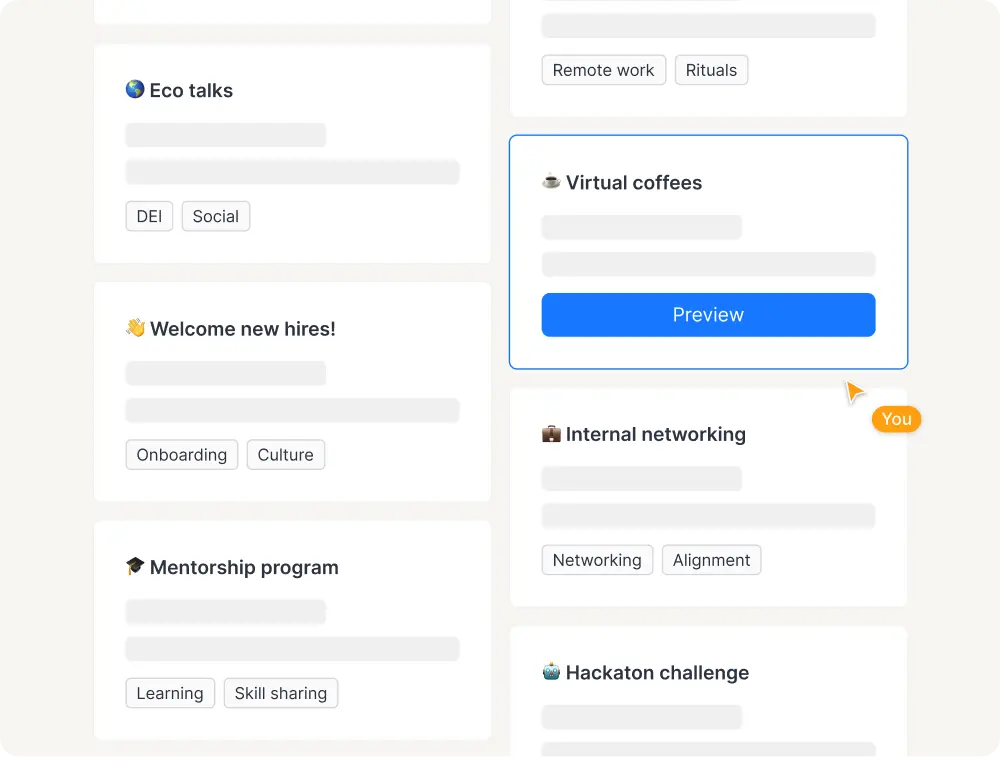
Design the perfect program to meet your needs: customize every parameter from your admin interface and schedule sessions in a few clicks!
- Start from our templates library... or from scratch!
- Set up your matching rules & members experience
- Customize your communications & add your branding
2
Your members get matched
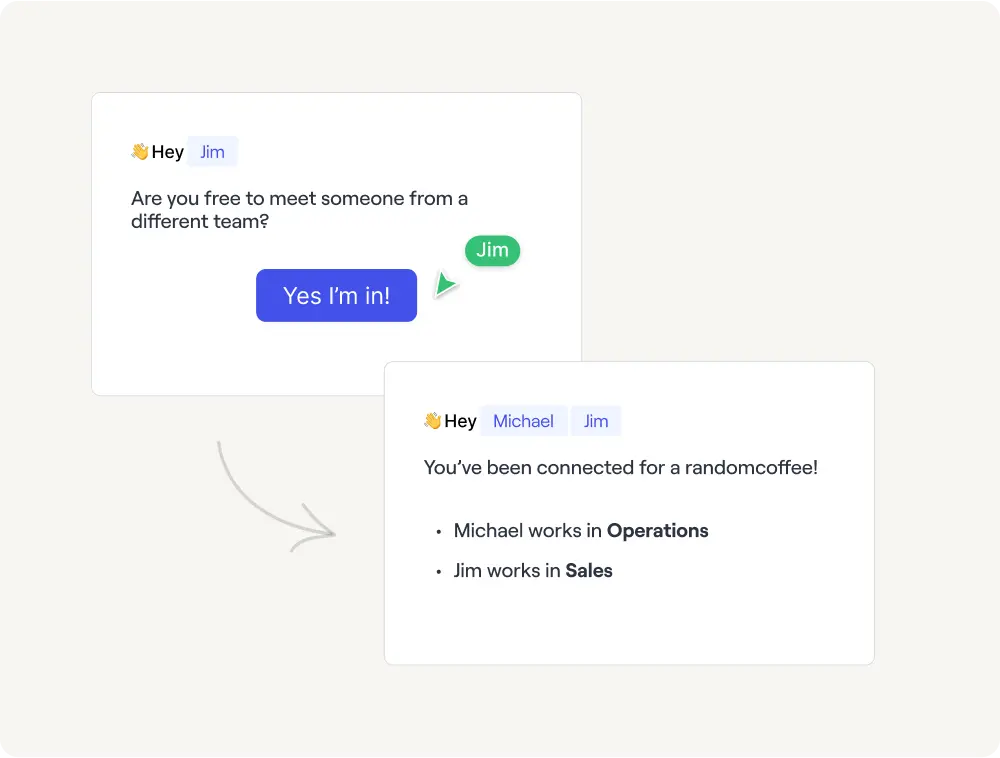
At each session of your program, members can participate and be matched with other participants according to your objective.
- Members receive an invitation to participate (optional)
- Groups are generated according to your criterias
- Members are matched in a customized message
3
They connect & meet!
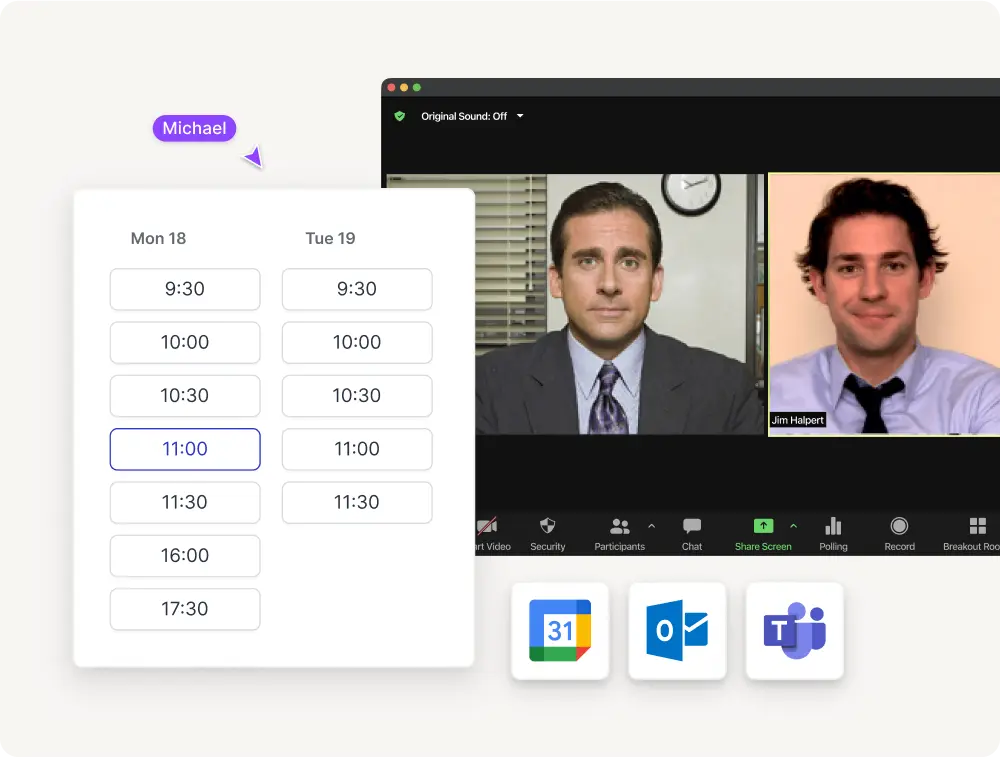
Once connected, your members are encouraged to meet (virtual or physical) and share a moment together.
- Integrated booking page to schedule meetup in one click
- Optional member's portal to add preferences & availabilities
- Outlook / Google agenda synchronization
4
You collect insights
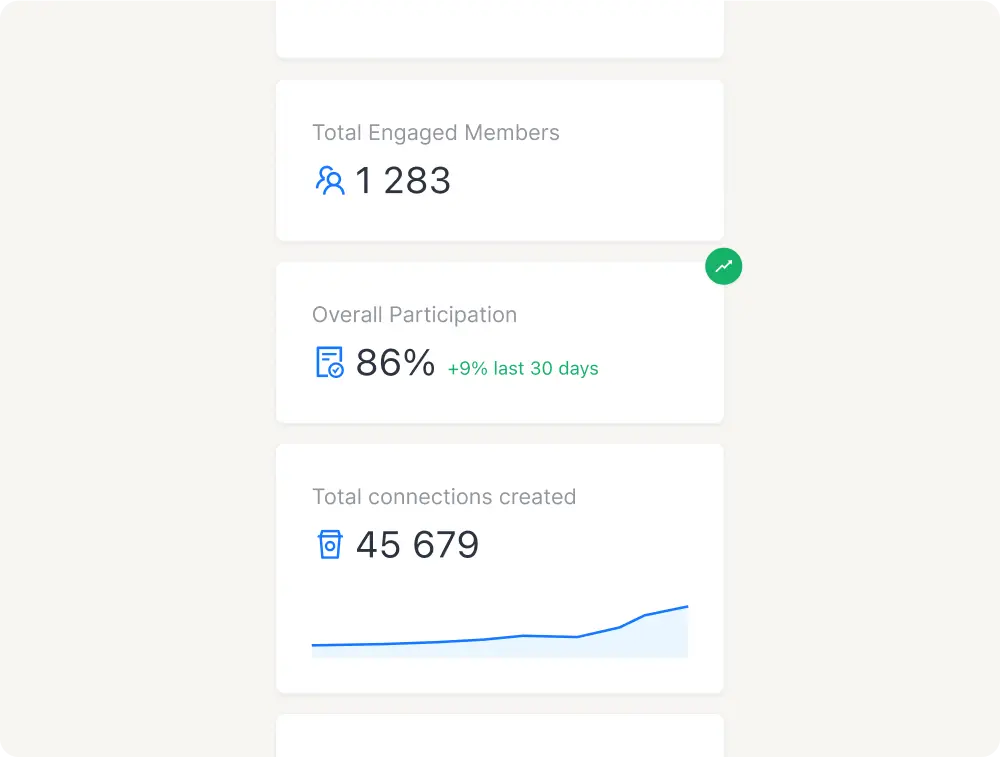
At the end of each session, you can analyze who's been the most active in the matchmaking process.
- Customizable dashboard with intuitive metrics
- Top-users ranking & profile analysis
- Exportable data and program results
Loved by human & modern HR teams
Hear from some of our amazing customers who are building faster.

Reece Portwood
@Cox Enterprises
"One of my highlights of the year: I joined RandomCoffee Chats, a program designed to encourage networking and casual conversations with coworkers from different areas of the business."

Antoine Chapin
@Crédit Agricole
"What's nice about RandomCoffee is that when I run into people who've taken part, they thank me for setting it up :)"

Savannah Charles
@Informa
"With the intention of connecting our global colleague base and learning more about each other's culture, we created a program with RandomCoffee called Cross-Cultural Conversations."

Felipe Gonzales
@Trimble
"I've had the opportunity to connect with colleagues across five different continents thanks to RandomCoffee!"

Michael Shea
@Finalsite
"Couldn't be happier with RandomCoffee. What you guys are providing is pivotal to any semblance of company culture in a remote environment like ours."

Jo Shen
@Electronic Arts
"It's a brilliant tool for us to connect and engage employees for people from different functions and locations to get to know each other."

Andreea Corendea
@Flocert
"We love the virtual coffees dates and a lot of colleagues use it for informal exchange. This is exactly what we needed to foster our company culture."

Sarah Hatfield
@DisabilityIn
"Such a great way to build connections in a remote environment and our employees are raving about this! I cannot recommend your product enough!"

Isabel Shaw
@HgCapital
"RandomCoffee team working has been excellent. They are on the ball, easy to contact, and have made the initial setup phase easy. Thanks, RandomCoffee!"

Hannah Wilson Baffoni
@Freshworks
"RandomCoffee has brought us to learn about different careers and life lessons in our industry."
Want to ask something from us?
How do I measure the impact of my connection programs?
RandomCoffee's admin dashboard shows participation rates, session completion rates, engagement scores, and network growth metrics in real time. You can export reports by department, program, or time period, and connect the data to your existing HR analytics tools via API.
How does the matching algorithm decide who gets paired?
The algorithm takes into account criteria you define: department, location, seniority level, job function, skills, goals, and custom profile fields. You can set rules to encourage cross-team mixing, prevent same-team pairings, or prioritize specific attributes. Matches are refreshed automatically at each session.
What does the experience look like for employees?
Employees receive a notification (email, Slack, or Teams) introducing them to their match. They can view their match's profile, book a meeting directly from the platform, and submit a short feedback form afterward. The experience is designed to be lightweight: most employees spend less than 5 minutes per session.